
An agent finishing a document gives you something to inspect. It does not tell you whether the document follows the brief or whether you can send it to a client.
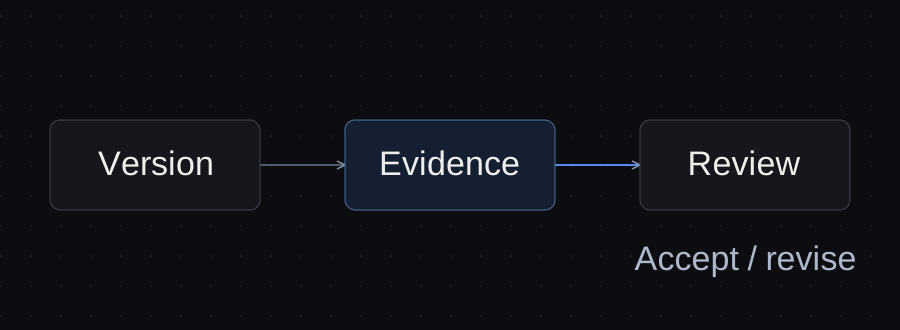
Review one named version against the approved inputs. Separate mechanical checks from judgment, record the remaining gaps, and approve an exact file for an exact next action. This workflow can be used with the tools you already have; it does not depend on a Workpulsion feature.
Define acceptance before drafting
Write the deliverable, reader, approved facts and review criteria into the brief. A proposal needs a scope check; a spreadsheet also needs its important calculations checked. Choose checks according to the cost of a mistake.
For a website proposal, specify the requested pages, permitted booking approach, supplied commercial terms and reviewer. If a price has not been supplied, a visible gap is a better result than a plausible invented number.
Download the client brief below to make those conditions explicit before the task starts.
Freeze the version you are reviewing
Point to a specific output, such as outputs/proposal-v2.md, and mark it ready for review. Those paths are examples, not files on your computer. Ask other sessions to leave that version alone while you inspect it; an instruction is a coordination convention, not a file lock.
If a revision arrives during review, finish reviewing the original or start again on the revision. Do not combine comments on two versions without saying which version they apply to.
Trace claims back to their sources
For each consequential statement, find the supplied fact or approved decision supporting it. Inspect prices, dates, guarantees, scope, customer names and statements about security. A link in the draft helps you locate evidence; open it and check that it supports the actual claim.
| Claim in the output | Evidence required | Action if evidence is missing |
|---|---|---|
| A service is included | Approved service list or scope decision | Flag the addition; ask the scope owner |
| A delivery date is promised | Approved schedule | Leave a clearly marked date gap |
| A formula is correct | Known inputs and independently checked expected result | Check the calculation before relying on it |
| A client accepted a change | Explicit acceptance for this version and action | Keep the result unaccepted |
Anthropic recommends giving Claude a way to verify its work. That supports asking for checks during drafting; it does not replace your acceptance decision. Claude Code best practices.
A worked review
Northline is a fictional client. This is a reading exercise, not a measured client result or a live agent test.
The approved brief requests five pages and a link to an existing booking service. The draft says: “We will build an integrated booking system.”
- Compare that sentence with the approved scope: it adds an unapproved feature.
- Record a correction: “Replace the custom-system promise with a link to the existing booking service.”
- Ask the agent to search the entire proposal for related promises, then report the revised file and affected sections.
- Inspect those sections yourself. A correct summary of the change does not prove every promise was removed.
- Keep the revision ready for review while commercial terms remain unresolved.
The decision record should state the booking choice once. The brief and review note can reference that decision, reducing the chance of conflicting copies.
Separate checks from judgment
A script can identify a missing page heading or a broken local link. It cannot decide whether a proposed offer reflects the client's intent. A model can suggest clearer wording, but its confidence is not evidence of client acceptance.
Record exactly what was checked: “All five page headings present” is useful. “Quality checked” leaves the next reviewer guessing. Include failures and checks you did not perform.
For code or automation, inspect the actual behavior on permitted test data. For a document, open the rendered version and check tables, page breaks, links and mobile readability where relevant. A successful file export only proves the export completed.
Record an acceptance that can be acted on
An acceptance note needs the version, reviewer, date, intended next action and any limits. For example: “Example: owner accepts proposal-v3 for internal review only; client delivery still requires approved commercial terms.”
“Accepted” alone is ambiguous. Acceptance for an internal draft does not authorize sending, deploying or spending. If the next action changes, check that the approval covers it.
Use the review checklist below, then update the handoff with the accepted version or remaining blocker. Do not send client material to a shared review environment without checking its access controls.
When this workflow is insufficient
This checklist is a coordination method. It does not provide technical isolation, legal review or proof of numerical accuracy. Regulated advice, binding terms and expensive operational changes need qualified review and checks appropriate to that work.
Start small: name the file, inspect the highest-risk claims, and record the next authorized action. Add review machinery when an observed failure justifies it.
Sources and verification
Primary documentation linked in this guide was read on October 10, 2026. Provider instructions describe documented behavior; the illustrated client workflow has not been tested with a live agent. Check current account rules before relying on them.
Templates, without the signup.
Fill these from the actual files and decisions. A written boundary does not enforce access control.